Broadcast scores, statistics and any type of content
Padel Stats TV is designed for clubs and tournaments.
Display live scores, match statistics and custom content directly on your screens.
Compatible with all major Smart TV platforms, including Samsung, Fire TV, Android TV and LG.
1.1. You own a Smart TV
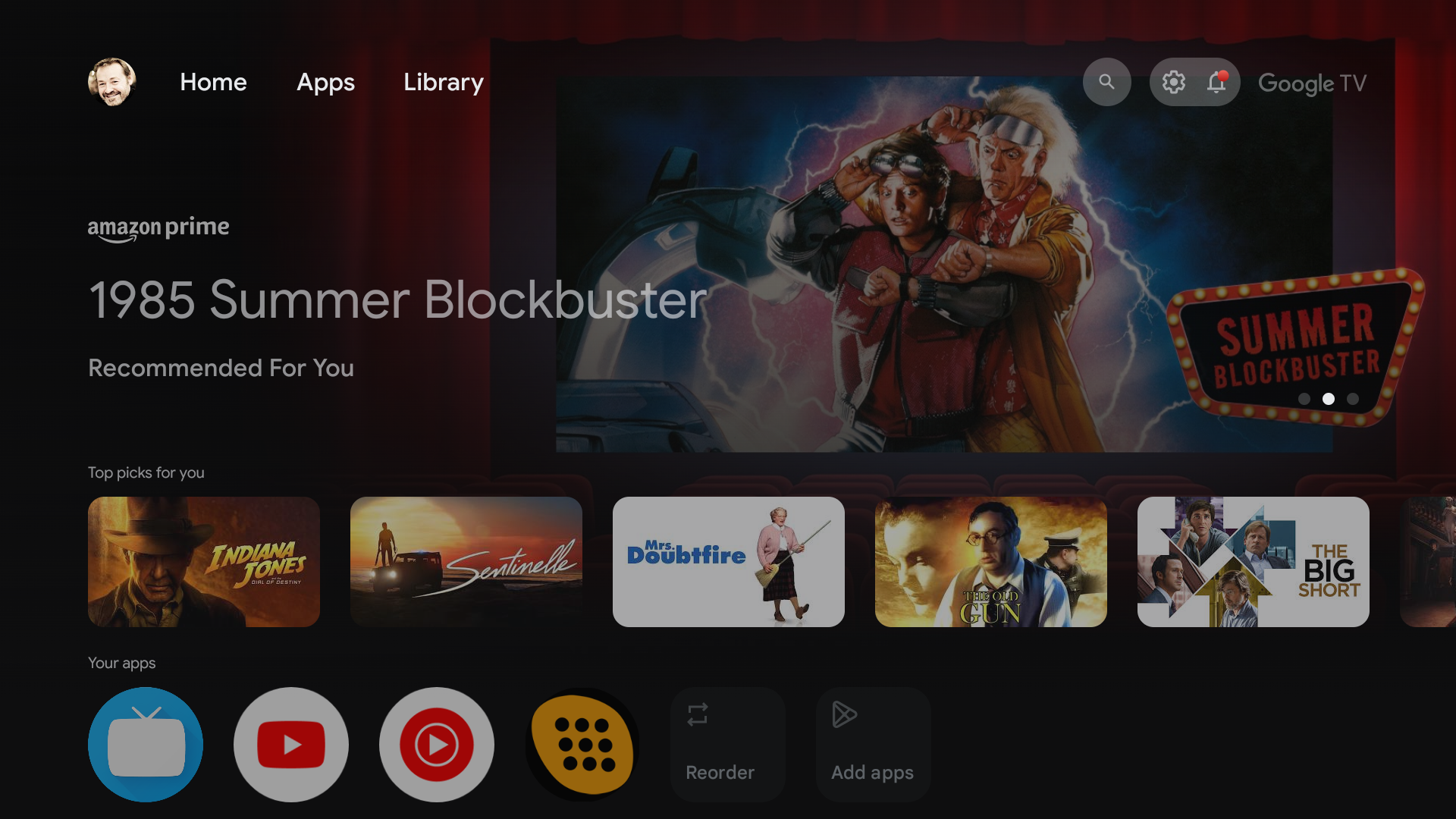
You own a Samsung Smart TV, LG, Android TV (Sony, Chrome Cast, …) or a Fire TV (Amazon Fire Stick or TV)
So download the Padel Stats TV app, available from the app store
1.2. You own a display with an HDMI connection
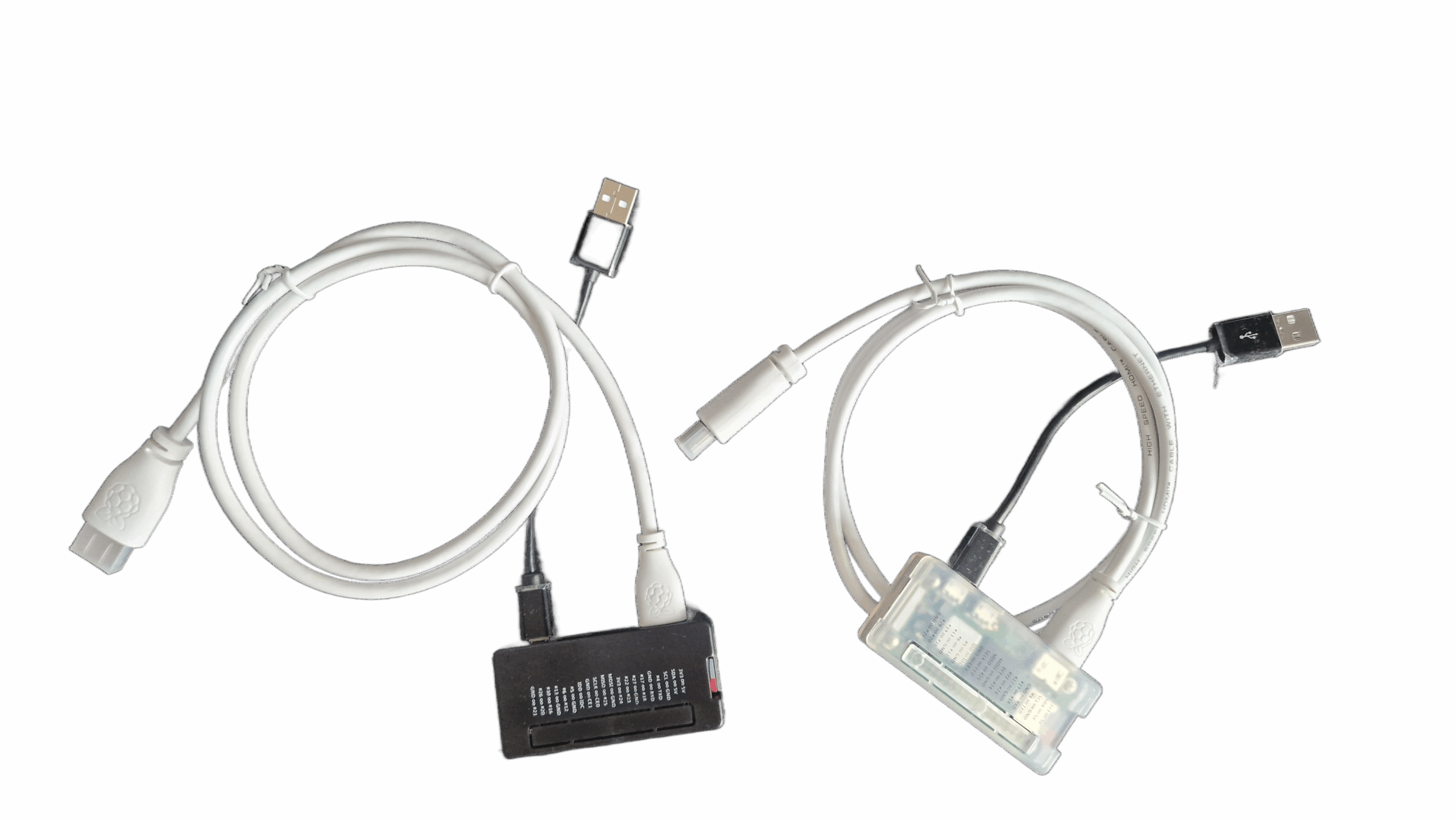
For screens fitted with a single HDMI connector, we offer a plug-and-play device that allows for seamless integration.
2. Broadcast live scores and statistics
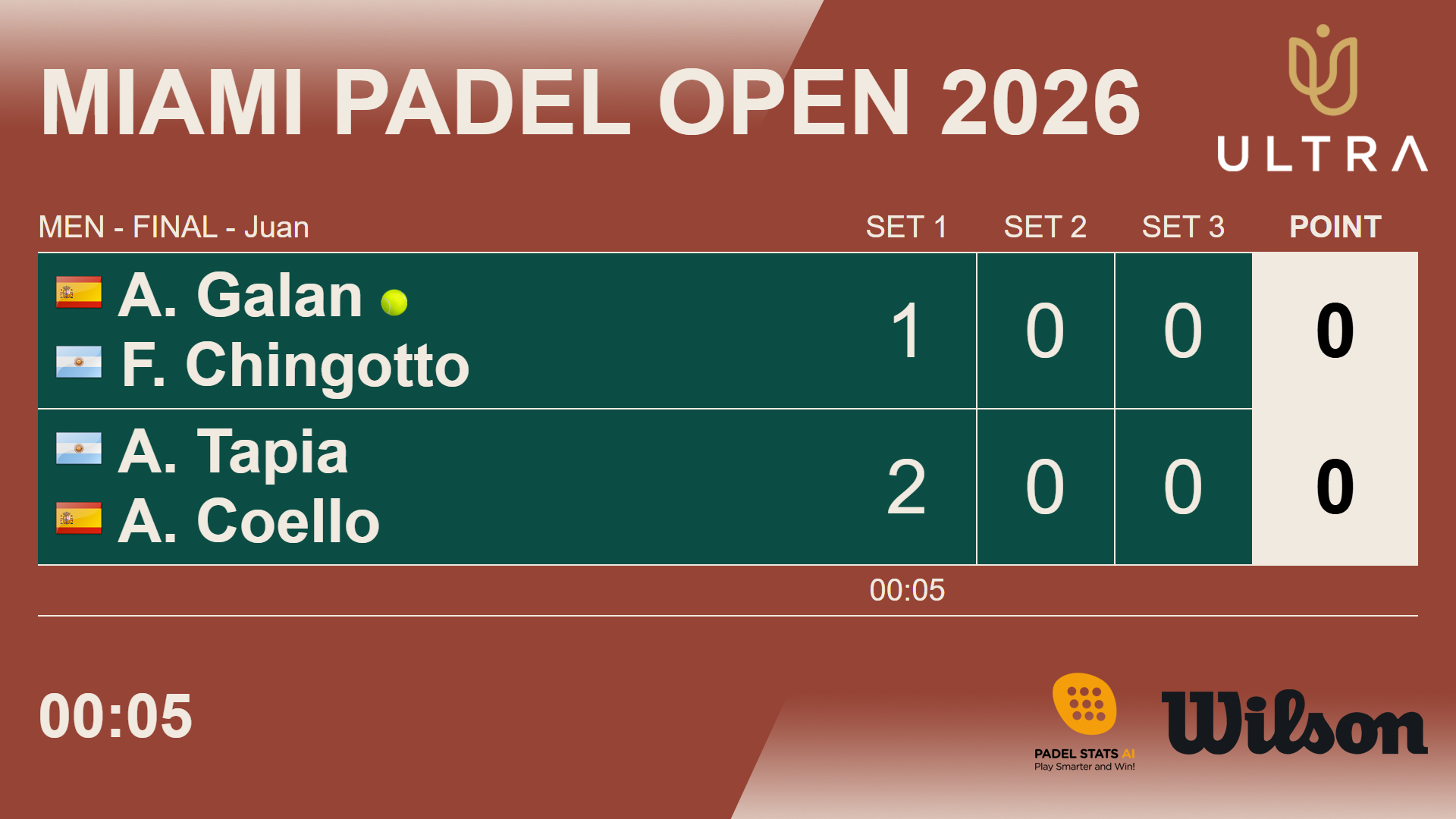
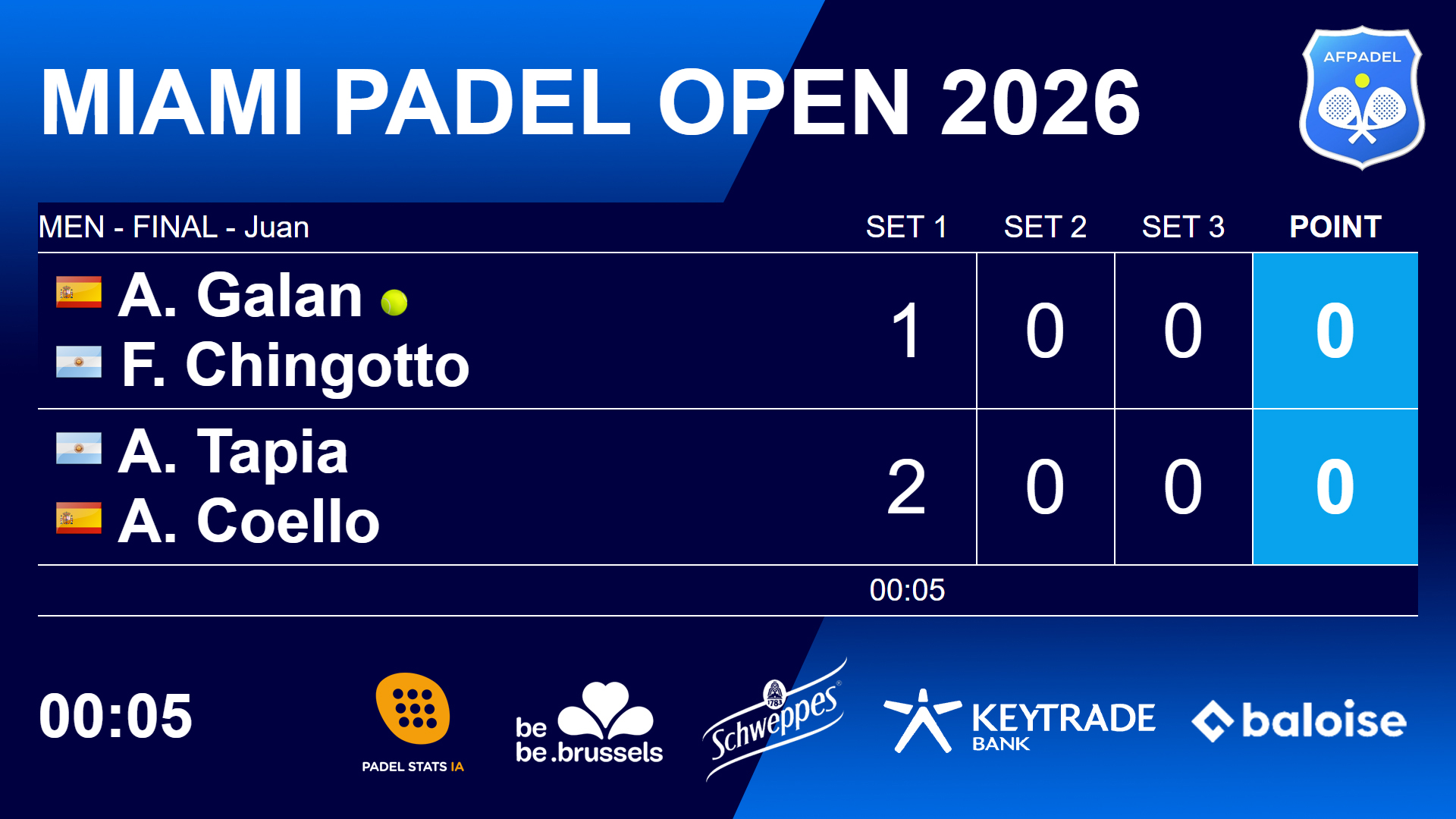
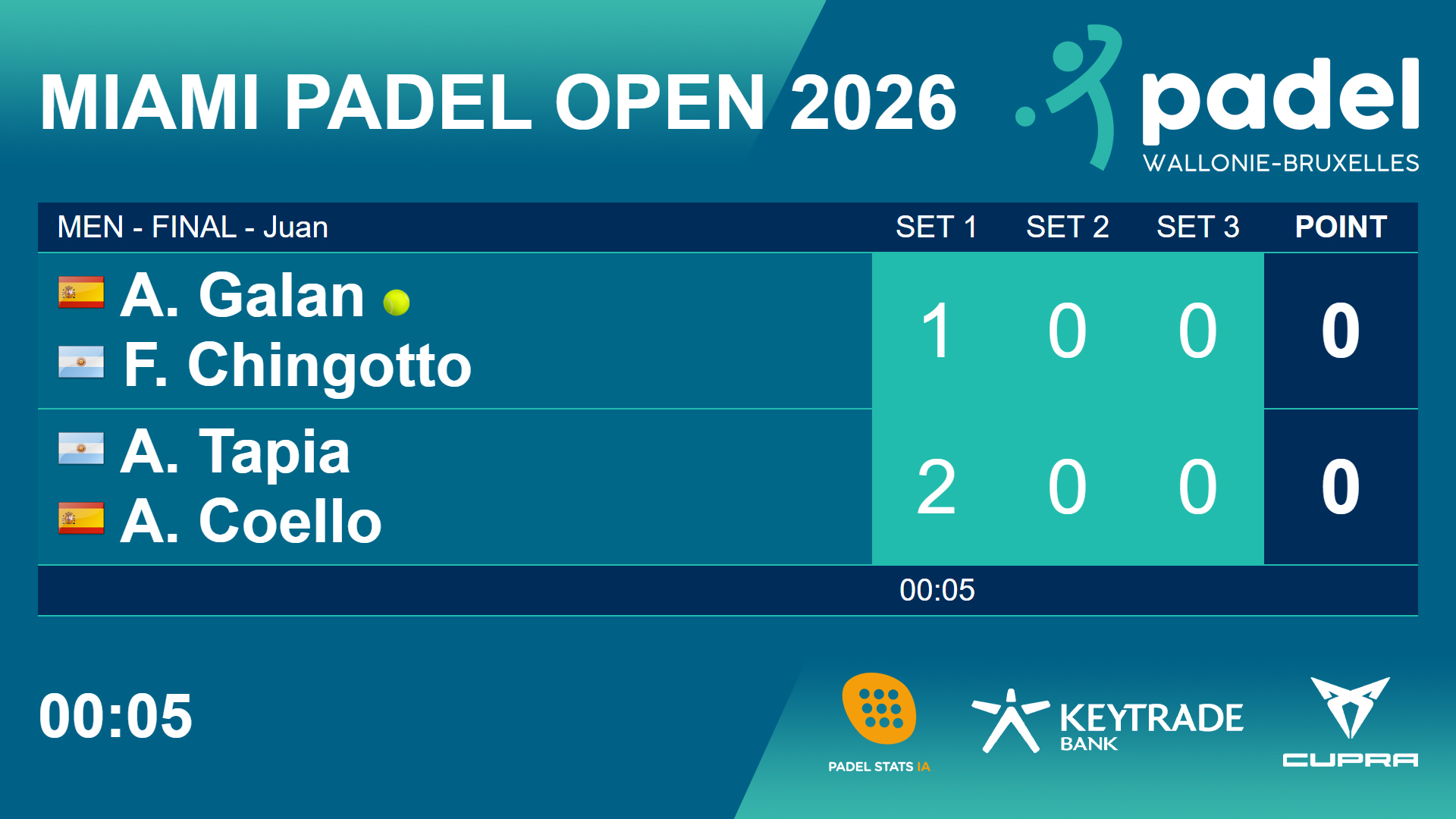
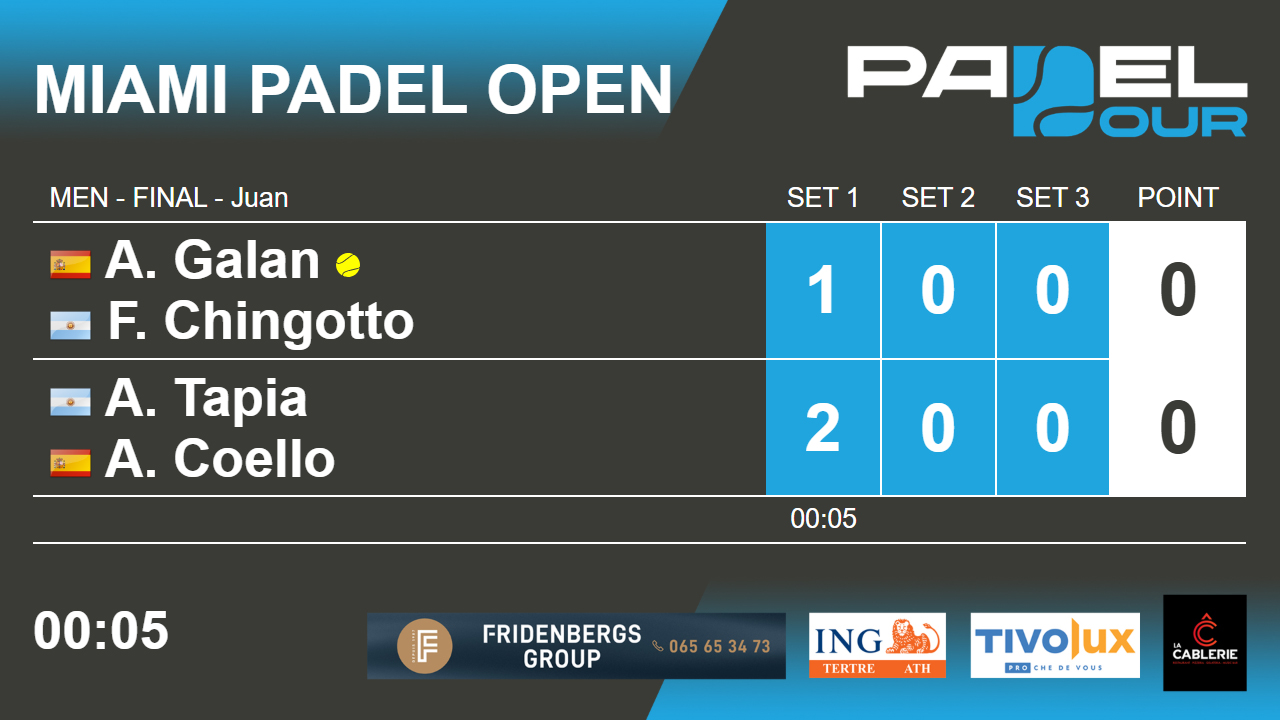
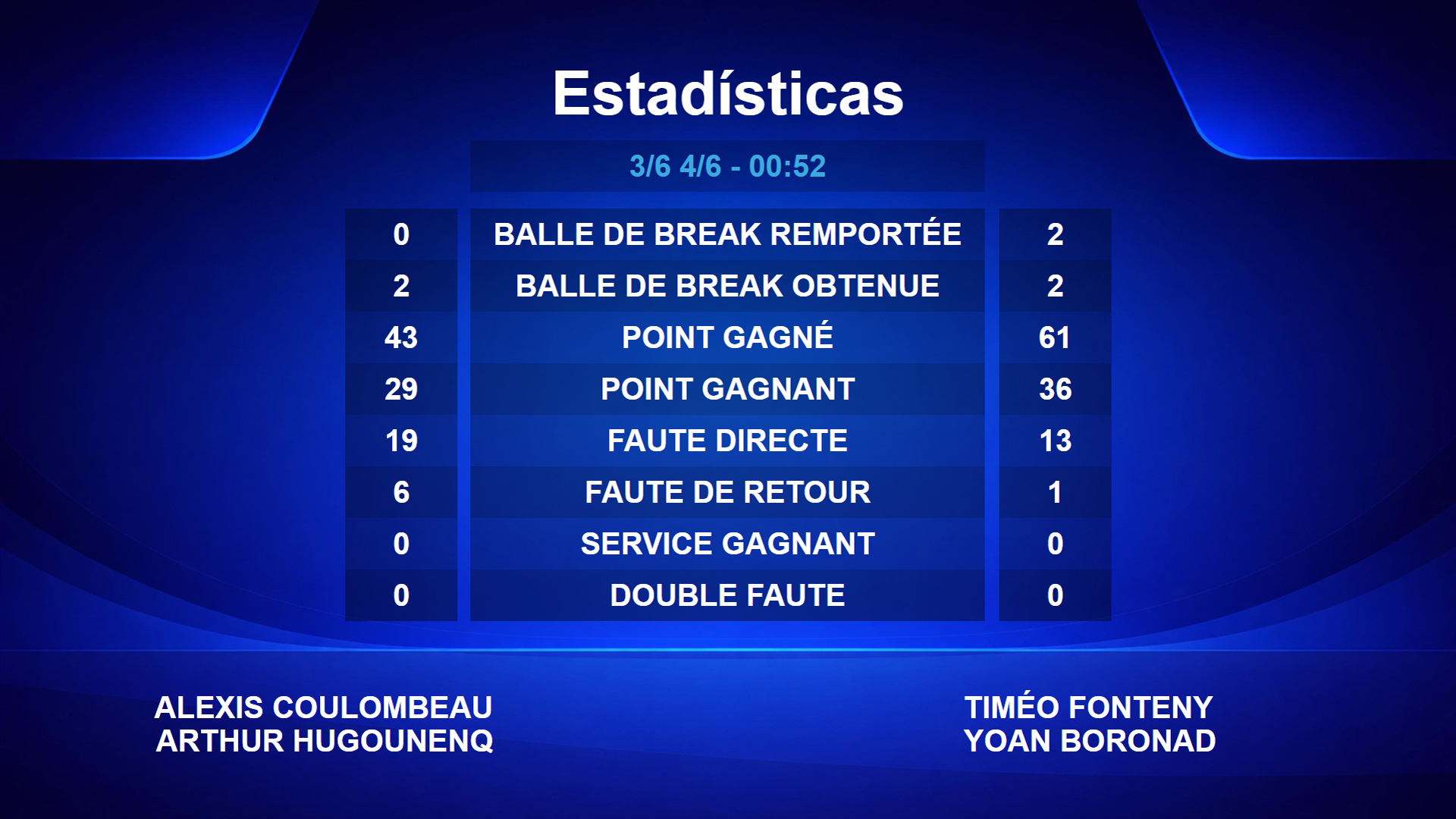
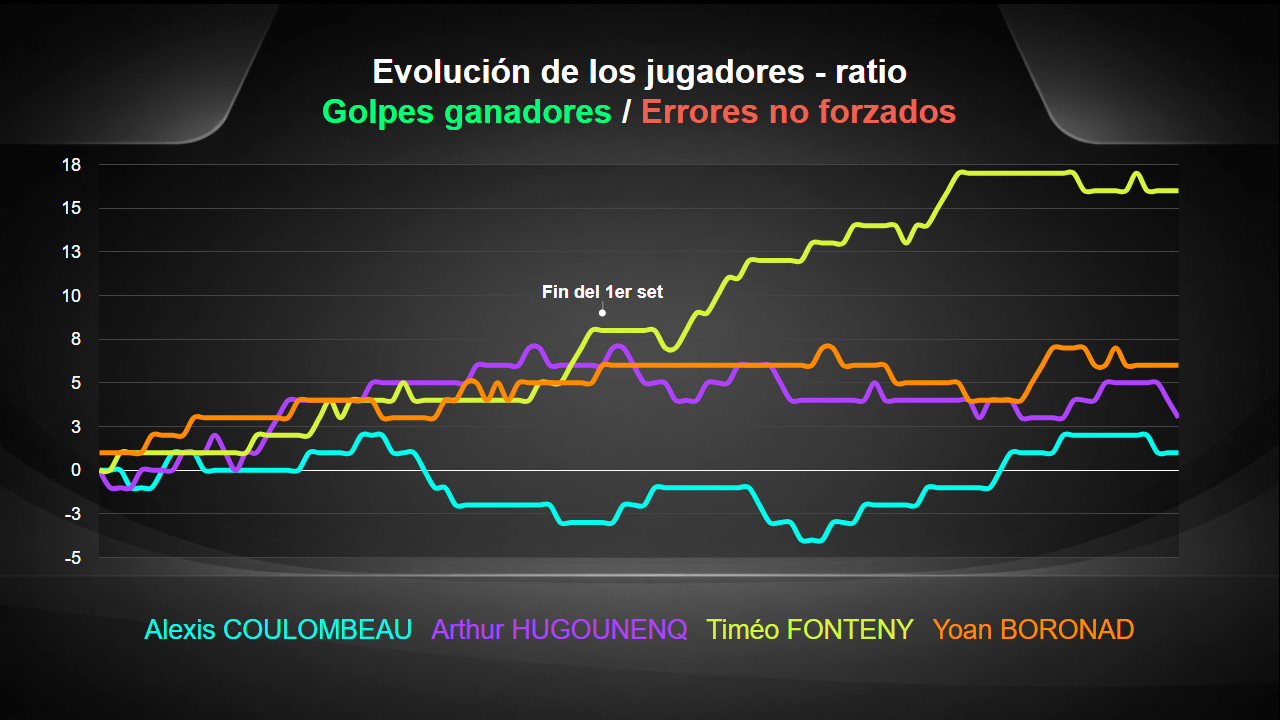
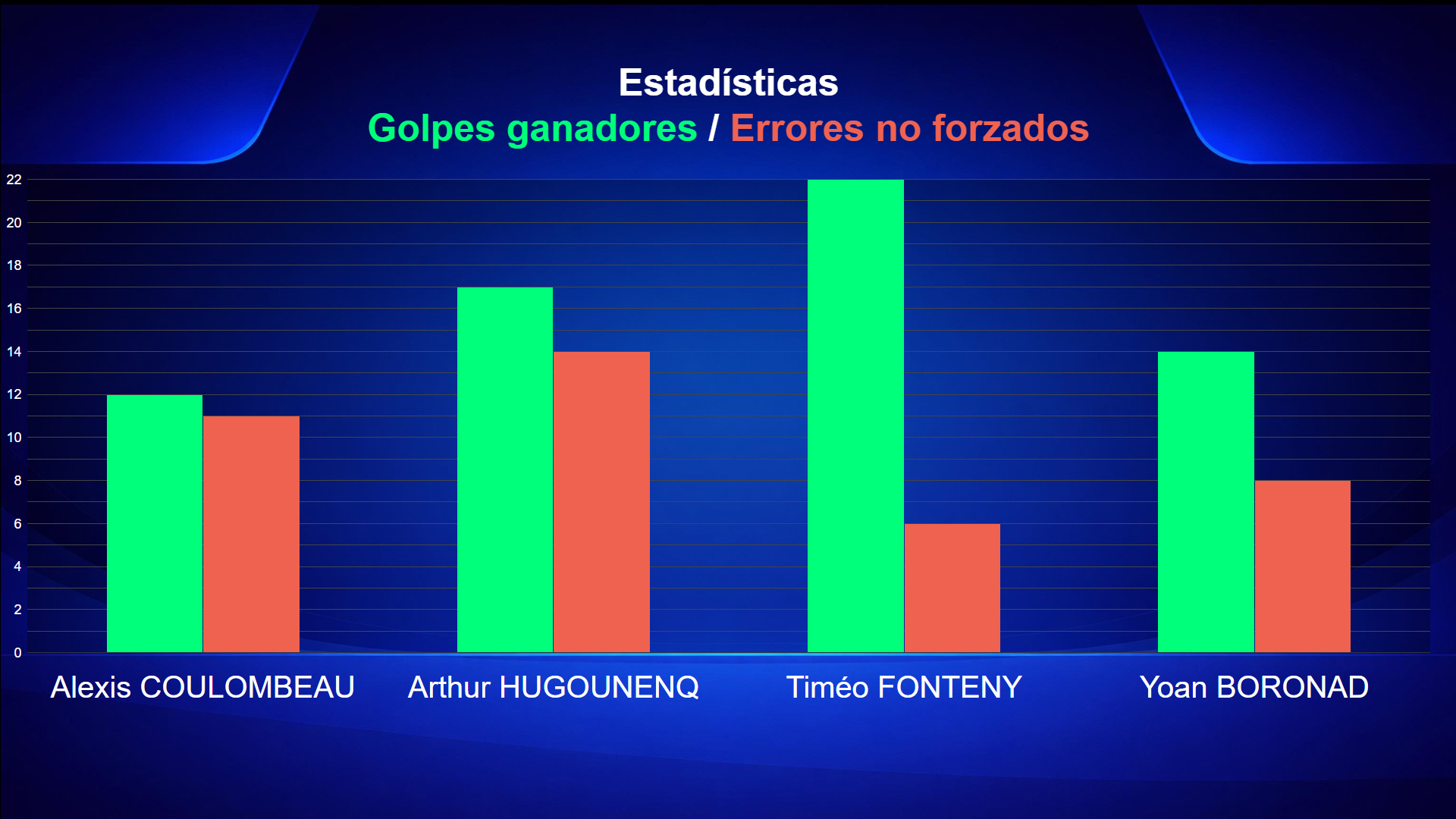
Custom colours, logos, graphics and backgrounds
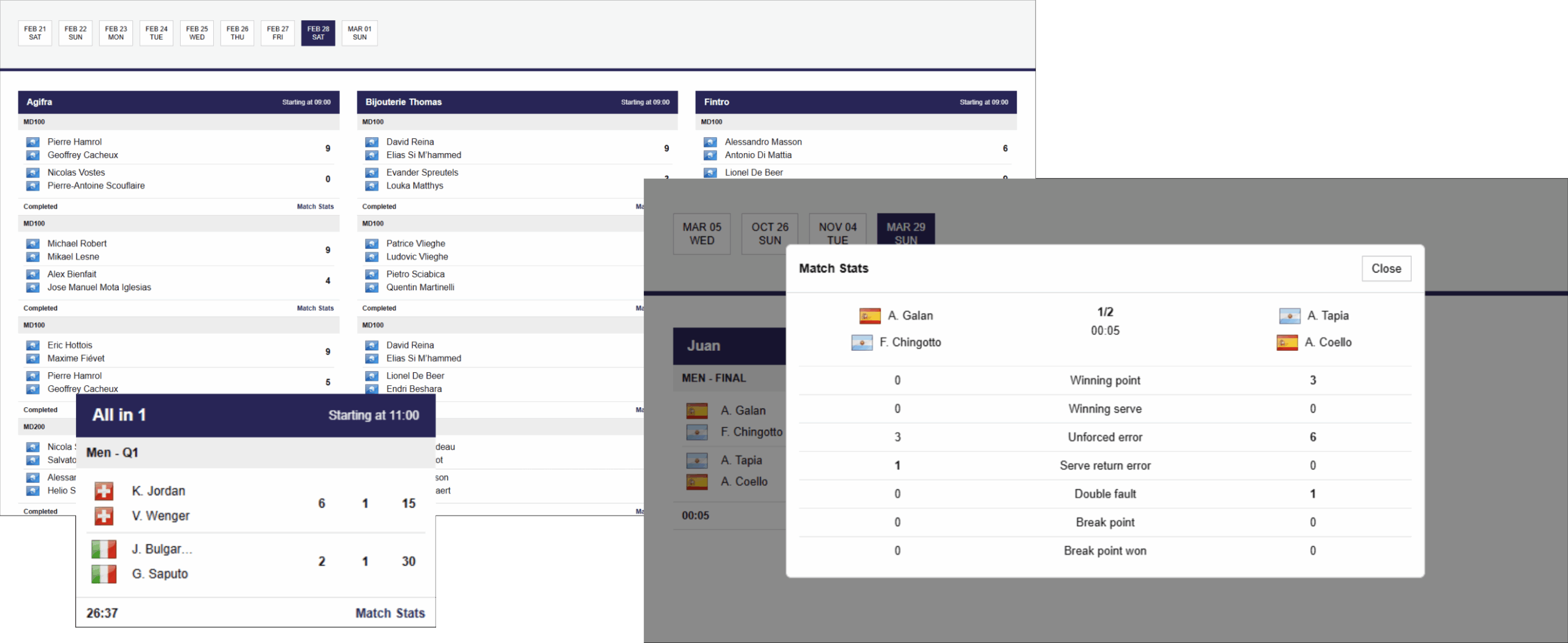
3. Broadcast live match scores
All today’s matches on one screen:
- All matches
- Only matches currently in progress
- Only completed matches
4. Display your images and videos
Create your slideshow using images and videos.
- All image formats supported (JPEG, PNG, etc.)
- All video formats supported (MP4, AVI, etc.)
- Custom display duration
- Custom playback order


5. Pricing (VATe)
Pricing is divided into 3 tiers:
- Admin platform activation (1x)
- Screen activation (1x per screen)
- Monthly fee per screen
Padel Stats Admin Activation
18000€
- Account creation and activation
- Configuration
- Training
Customisation (optional)
25000€
- Logo
- Background
- Text (Colours, typography, etc.)
Activation (HDMI)
15000€/screen
- Padel Stats Box
Activation (Smart TV)
10000€/screen
- Samsung, LG, Android or Fire TV
1-10 screens
2000€/month
- Padel Stats Box
- Samsung, LG, Android or Fire TV
+10 screens
1800€/month
- Padel Stats Box
- Samsung, LG, Android or Fire TV
FAQ
Padel Stats TV : setupdperraudin2026-06-17T13:21:04+00:00
You have:
Installation Screen:
- Scan the QR code
- Go to the “Add a Screen” section
- If you already have an account, enter your email address and password
If you do not have an account, create a trial account